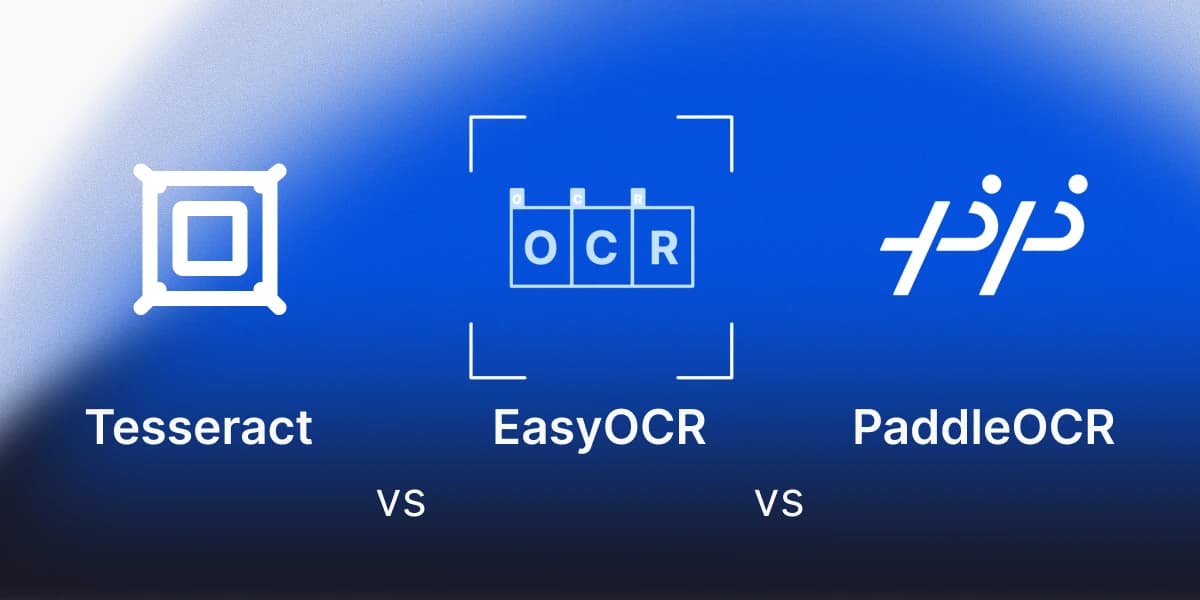
The best Python OCR library depends on what your images look like. On clean, upright, high-resolution printed text, Tesseract, EasyOCR and PaddleOCR all returned essentially perfect text in our test, so the choice there is about install size and speed. They differ when the input gets harder: low resolution, rotation, noise, or two columns.
OCR, optical character recognition, turns pictures of text into text a program can use. You need it when the words you want are pixels and not characters: a scanned contract, a photo of a receipt, a screenshot, or a PDF that was made from a scan. If you can select and copy the text in your PDF, it already has a text layer and you do not need OCR at all, because a parser reads that layer directly. People run OCR to make scans searchable, to feed text to a language model, or to pull values out of invoices and forms.
This page runs the three on the same synthetic images, shows the code, and says what we did and did not measure.
What you will need
- Python 3.10 or newer.
- A few images of your own, ideally fictional or sample ones, because the examples print the recognised text and text from real client documents can end up in terminal and job logs. Include the ugliest ones you receive. Clean images make every library look good.
- A separate virtual environment per library, because EasyOCR and PaddleOCR each bring a large framework (PyTorch and PaddlePaddle).
- For Tesseract, the Tesseract program itself, not only the Python wrapper. On macOS:
brew install tesseract.
pip install pytesseract pillow    # environment 1, plus the Tesseract program
pip install easyocr               # environment 2
pip install paddlepaddle paddleocr   # environment 3
Step 1. Run each library on one image
Tesseract, through its Python wrapper pytesseract:
import pytesseract
from PIL import Image

print(pytesseract.image_to_string(Image.open("scan.png"), lang="eng"))EasyOCR, which downloads about 108 MB of models on the first call:
import easyocr

reader = easyocr.Reader(["en"], gpu=False)
print(" ".join(reader.readtext("scan.png", detail=0)))PaddleOCR, which downloads about 133 MB on the first call. This is the 3.x API, and we switched off its three optional preprocessing modules to test the bare detection and recognition pipeline:
from paddleocr import PaddleOCR

ocr = PaddleOCR(lang="en", use_doc_orientation_classify=False,
                use_doc_unwarping=False, use_textline_orientation=False)
for r in ocr.predict("scan.png"):
    print(" ".join(r["rec_texts"]))
What we tested
We rendered 13 images with Pillow in Arial from known text: a clean paragraph at 300 DPI, the same text at 100 DPI and at 50 DPI, rotated 3 and 15 and 90 degrees, with heavy noise and blur, low contrast, in two columns, a Spanish paragraph with accents and invoice lines, two fonts that look handwritten, and a small table. We scored each output as one minus the edit distance to the true text divided by its length, so 1.0 is a perfect copy. Versions: Tesseract 5.5.3, EasyOCR 1.7.2, PaddleOCR 3.7.0.
These are easy images by construction, rendered on one Apple Silicon Mac without a GPU. Treat the scores as a way to see how each library fails, not as a benchmark.
What we saw
| Image | Tesseract | EasyOCR | PaddleOCR |
|---|---|---|---|
| Clean, 300 DPI | 1.000 | 1.000 | 1.000 |
| Clean, 100 DPI | 0.995 | 0.979 | 0.989 |
| Clean, 50 DPI | 0.505 | 0.245 | 0.957 |
| Rotated 3 degrees, noise and blur | 0.989 | 0.479 | 1.000 |
| Rotated 15 degrees | 0.000 | 0.223 | 1.000 |
| Rotated 90 degrees | 0.165 | 0.096 | 0.106 |
| Heavy noise and blur | 0.000 | 0.202 | 0.851 |
| Low contrast | 1.000 | 0.989 | 1.000 |
| Two columns | 0.489 | 0.489 | 0.489 |
| Spanish and invoice lines | 0.993 | 0.993 | 1.000 |
| Small table, read as text | 0.227 | 0.943 | 1.000 |
On clean text the choice is about weight
All three read the clean 300 DPI paragraph perfectly. Tesseract took 0.1 to 0.3 seconds per image on our machine against 1 to 5 seconds for the others, and its environment was about 36 MB against roughly 800 MB for EasyOCR and PaddleOCR, plus the Tesseract program. The first run of EasyOCR and PaddleOCR also took around 52 seconds each, because they download models.
Tesseract is sensitive to input quality
At 15 degrees of rotation and under heavy noise and blur, Tesseract returned nothing useful (0.000), and at 50 DPI it scored 0.505, while PaddleOCR scored 1.000, 0.851 and 0.957 on the same images. Tesseract's own documentation says the same thing: it works best at 300 DPI or more, and skew reduces line segmentation quality significantly. We did not try preprocessing such as deskewing or upscaling, which is exactly what its documentation recommends, so the numbers are for raw input. Tesseract also correctly reported the 90 degree rotation through its orientation detection, so a rotate step would fix that case.
EasyOCR loses reading order on noisy lines
EasyOCR scored 0.479 on the slightly rotated, blurred paragraph, mostly because it returned the line fragments in the wrong order and not because it misread them. It also scored 0.245 at 50 DPI and 0.202 under heavy noise. It had its latest release in September 2024 at the time of writing.
None of them solves layout
All three read across both columns line by line, interleaving the left and right text, so the content was complete but the order was wrong (0.489 for all three). None returns table structure, only text. Tesseract's default mode returned a single row of the table. If your job is tables or multi-column documents, these libraries give you text, not structure.
Spanish needs setup
The Homebrew build of Tesseract ships only English. With English alone it scored 0.967 on the Spanish paragraph but dropped nine accented words, among them número, Málaga and dirección, a failure that the overall score hides. Adding the Spanish language file (spa.traineddata, about 2.3 MB from the tessdata_fast repository) fixed it, with 0.993 and no missed accented words. PaddleOCR and EasyOCR missed none and one respectively.
What we did not test
We did not test real handwriting: the two fonts we used only look handwritten, so we draw no conclusion. Tesseract's FAQ says handwriting will not work very well because it is designed for printed text, and EasyOCR's README lists handwriting as a future item. We did not test real scans, preprocessing, GPU speed or non-Latin scripts.
Check on your own images
Write down the text you expect and compute the same score on your files. The function reports one number per image and never prints the text, so the output is safe to log.
def edit_distance(a: str, b: str) -> int:
    prev = list(range(len(b) + 1))
    for i, ca in enumerate(a, start=1):
        cur = [i]
        for j, cb in enumerate(b, start=1):
            cur.append(min(prev[j] + 1, cur[j - 1] + 1, prev[j - 1] + (ca != cb)))
        prev = cur
    return prev[-1]

def accuracy(expected: str, got: str) -> float:
    expected, got = " ".join(expected.split()), " ".join(got.split())
    return 1 - edit_distance(expected, got) / max(len(expected), 1)
Install and licence notes
All three are Apache 2.0 licensed. PaddleOCR 3.7.0 was released in June 2026 and EasyOCR 1.7.2 in September 2024. EasyOCR lists more than 80 languages and recommends a GPU without requiring one, and PaddleOCR's README lists more than 100 languages and support for CPU and GPU. Tesseract supports more than 100 languages and needs no GPU.
To compare these libraries with managed OCR APIs on cost, see OCR API vs open source. To test accuracy on your own files, see Is Tesseract accurate enough for production?.
When these libraries are not enough: anyformat
They return text. When you need typed fields (an invoice number, a total), structure for tables, or a confidence score you can act on, you need a layer on top: your own extraction code, or a document processing service. anyformat is one of the latter; it returns typed fields with a confidence score and the source text and page. We did not run it in this comparison, so this page makes no claim about how it scores on these images.
Frequently asked questions
What is the best Python OCR library?
It depends on the images. On clean 300 DPI printed text, Tesseract, EasyOCR and PaddleOCR were equally accurate in our test, and Tesseract was the lightest and fastest. On rotated, noisy or low-resolution images, PaddleOCR scored highest in our test without preprocessing.
Is Tesseract better than EasyOCR?
On clean text they matched. Tesseract was faster and lighter, and EasyOCR did better on the small table read as text, but lost reading order on the rotated, blurred paragraph. Neither returns table structure.
Do I need a GPU for OCR in Python?
No. We ran all three on CPU. EasyOCR says a GPU is recommended but not required, and PaddleOCR supports both. We did not measure GPU speed.
Why is Tesseract missing accents in Spanish?
The default Homebrew install includes English only. Add the Spanish language file and pass lang="spa".
Can these libraries read handwriting?
We did not test real handwriting. Tesseract's FAQ says it is designed for printed text.